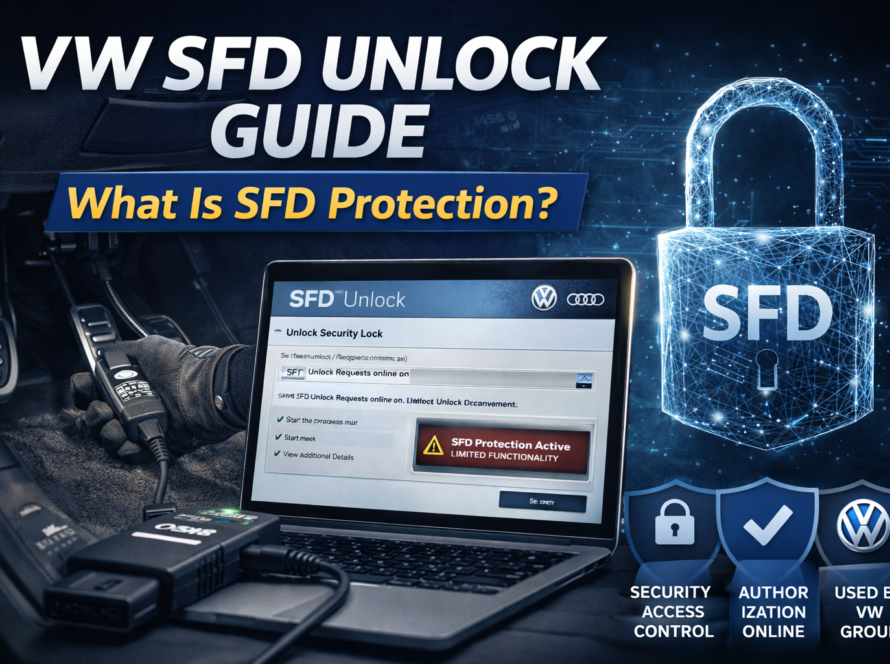
Error code B2000 is commonly associated with component protection in Volkswagen Group vehicles. This fault code typically appears when an electronic module is installed without proper authorization or synchronization with the vehicle.
As modern vehicles rely on advanced security systems, component protection plays a key role in preventing unauthorized use of electronic modules. When triggered, it can limit functionality and cause various system issues.
Understanding the B2000 error is essential for diagnosing and resolving component protection problems.
What Does Error Code B2000 Mean
Error B2000 indicates that a control unit has detected a mismatch between its internal identification data and the vehicle it is installed in.
This usually happens when:
- a used module is installed
- a control unit is replaced
- the module is not properly adapted
- vehicle configuration does not match server data
As a result, the system activates component protection.
What Is Component Protection
Component protection is a security feature used in Volkswagen, Audi, Škoda and SEAT vehicles.
Its purpose is to:
- prevent theft of electronic modules
- block unauthorized reuse of parts
- ensure correct module-to-vehicle pairing
Each control unit stores identification data linked to the vehicle VIN. When a mismatch is detected, restrictions are applied.
Symptoms of B2000 Error
When component protection is active, the affected module enters a restricted mode.
Common symptoms include:
- infotainment system has no sound
- navigation or multimedia functions are limited
- digital dashboard shows warning messages
- certain vehicle functions stop working
The system may still operate partially, but not fully.
Modules Commonly Affected
The B2000 error can appear in several control units, including:
- infotainment systems (MIB / MMI)
- instrument clusters (Virtual Cockpit)
- gateway modules
- body control modules
These modules are commonly protected due to their high value.
Why Clearing the Error Does Not Work
Simply clearing the fault code will not fix the issue.
This is because:
- component protection is controlled by manufacturer servers
- the restriction is stored in system configuration
- the module is still not authorized
Without proper authentication, the error will return.
How to Fix Error B2000
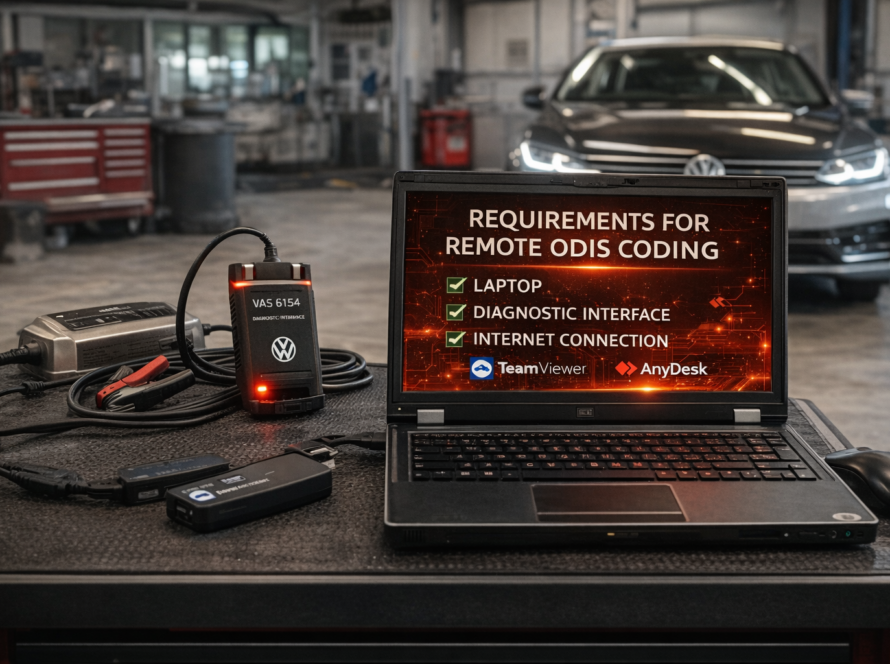
To resolve the issue, the module must be authenticated using ODIS Online.
The process includes:
- Connecting the vehicle to ODIS diagnostic software
- Logging into authorized account
- Connecting to Volkswagen servers
- Sending module identification data
- Verifying compatibility
- Synchronizing the module with the vehicle
Once completed, component protection is removed.
Real-World Example
A used infotainment unit is installed in a Volkswagen vehicle.
- the system powers on
- but sound does not work
- error B2000 is stored
After performing ODIS Online authentication:
- the module is verified
- configuration is updated
- full functionality is restored
Why ODIS Online Is Required
Because component protection is server-based, offline tools cannot remove it.
ODIS Online is required to:
- communicate with Volkswagen backend systems
- verify module identity
- authorize adaptation
- update vehicle configuration
Without this step, the restriction remains active.
Conclusion
Error code B2000 is directly linked to component protection and occurs when a module is not properly authorized.
While the system may still function partially, full operation can only be restored through proper online authentication using ODIS.
For technicians and workshops working with Volkswagen Group vehicles, understanding this error is essential for efficient diagnostics and repair.
Need help? We are here for you. whatsapp: +420773585568 mail: info@odisonline.eu
ODISONLINE.EU