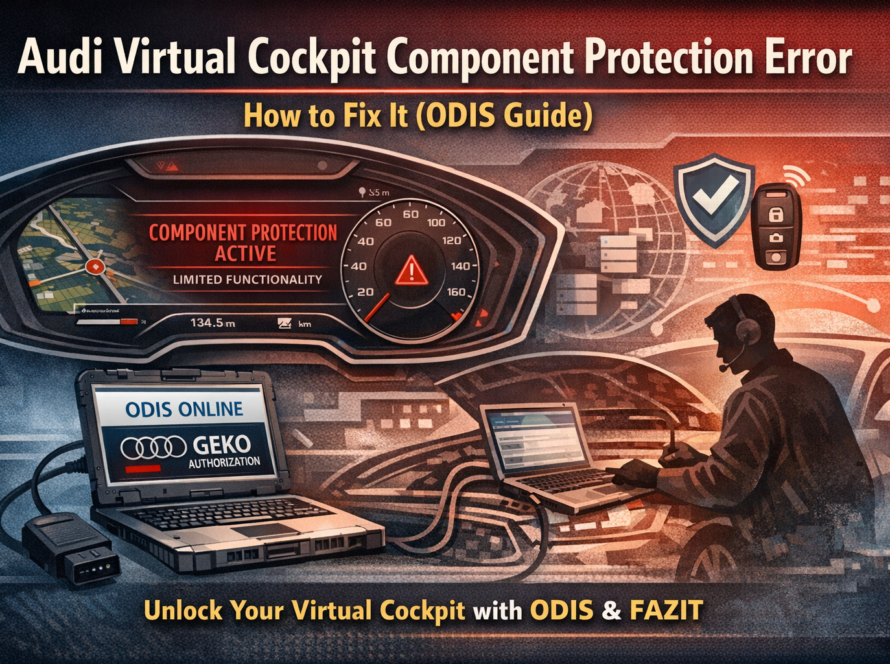
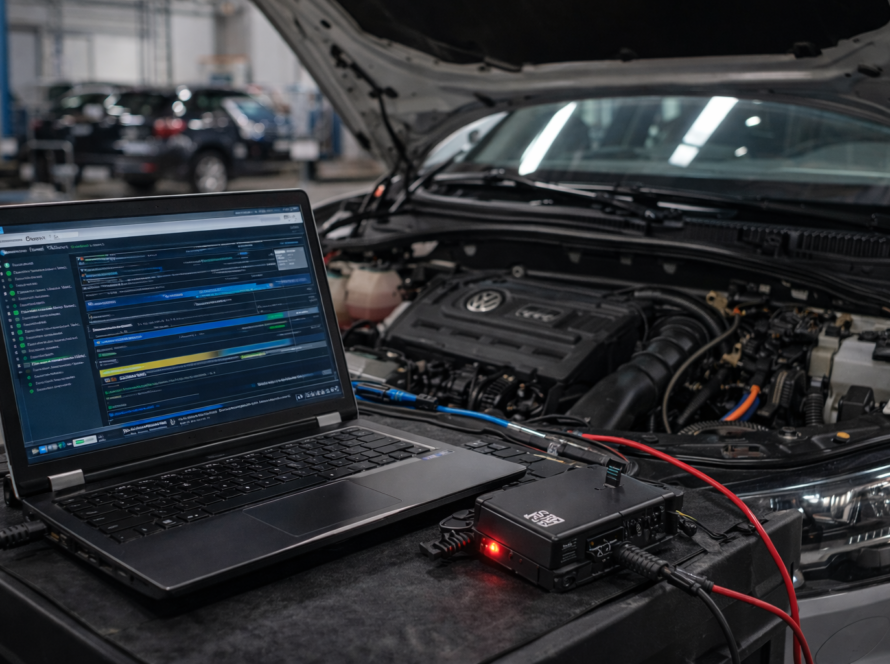
ODIS Online is the official diagnostic and programming platform used by Volkswagen Group dealerships worldwide. It is an If you’ve ever worked with modern Volkswagen, Audi, Škoda or SEAT vehicles, you’ve probably come across situations where standard diagnostic tools are simply not enough.
You install a module, try to code it — and nothing works properly.
That’s where ODIS Online comes in.
In this guide, we’ll explain what ODIS Online is, how it works, and why it has become essential for diagnostics, coding and module programming in modern VAG vehicles.
What Is ODIS
ODIS stands for Offboard Diagnostic Information System.
It is the official diagnostic software used by Volkswagen Group dealerships and professional workshops.
With ODIS, technicians can:
- diagnose faults
- run guided repair procedures
- code and adapt control units
- update software
- perform advanced system operations
Unlike basic diagnostic tools, ODIS works directly with manufacturer data and procedures.
ODIS Service vs ODIS Engineering
There are two main versions of ODIS, and each serves a different purpose.
ODIS Service
This is the version used in most workshops.
It focuses on:
- diagnostics and fault finding
- guided repair procedures (GFF)
- standard coding and adaptation
- service functions
ODIS Engineering
This version provides deeper access to vehicle systems.
It is used for:
- advanced coding
- flashing control units
- parameterization
- development-level work
For most real-world scenarios, ODIS Service combined with online access is enough.
What Is ODIS Online

ODIS becomes ODIS Online when it is connected to Volkswagen Group servers.
This connection allows the system to:
- verify vehicle and module data
- authenticate control units
- access manufacturer databases
- perform secure operations
Without this online connection, many important functions are simply not available.
Why ODIS Online Is Required Today
Modern vehicles are no longer isolated systems.
Instead, they rely on data stored on manufacturer servers. This includes:
- vehicle configuration
- module pairing
- security information
- software versions
So when you install a module or perform certain operations, the vehicle needs to “check in” with the manufacturer.
That’s exactly what ODIS Online does.
What You Can Do with ODIS Online
In practice, ODIS Online is required for many common situations.
Component Protection Removal
When installing used modules like MMI, Virtual Cockpit or gateway.
Immobilizer and Key Programming
Adding or adapting keys securely.
ECU Replacement
Matching new or used control units to the vehicle.
Coding and Adaptation
Setting up modules after installation or retrofit.
Software Updates
Updating firmware in control units.
Why Basic Tools Are Not Enough
Tools like VCDS or OBDeleven are useful for basic work, but they have limits.
They cannot:
- connect to manufacturer servers
- authenticate modules
- remove component protection
- perform secure operations
So while they are helpful, they are not a replacement for ODIS Online.
How ODIS Online Works in Practice
When you perform an online procedure, the process looks roughly like this:
- The vehicle is connected to ODIS
- The system connects to Volkswagen Group servers
- The vehicle and module data are verified
- The required operation is authorized
- The system updates configuration and completes the process
From the user’s perspective, this can look simple — but in reality, it involves secure communication with multiple backend systems.
Real-World Example
A typical situation:
You install a used infotainment system or digital dashboard.
- The unit powers on
- But some functions don’t work
- You see errors or missing features
This is not a hardware problem.
The system is waiting for online authorization.
Once ODIS Online is used to authenticate the module, everything starts working as expected.
Remote ODIS Online – How It’s Used Today
Not everyone has direct access to ODIS Online.
That’s why remote services are commonly used.
In a typical remote session:
- you connect your diagnostic interface to the car
- a technician connects remotely
- ODIS Online is used to perform the procedure
- everything is completed in real time
This allows even small workshops or individuals to perform dealer-level operations.
FAQ
Can I use ODIS without internet?
Yes, but only for basic diagnostics. Advanced functions require online access.
Can I remove component protection without ODIS Online?
No. It requires authentication through manufacturer servers.
Is ODIS available to everyone?
Official access requires authorization (GEKO), but remote services are widely available.
What vehicles are supported?
Volkswagen, Audi, Škoda, SEAT and other VAG Group vehicles.
Conclusion
ODIS Online has become an essential tool for working with modern Volkswagen Group vehicles.
As vehicle systems become more secure and interconnected, many operations now require direct communication with manufacturer servers.
Understanding how ODIS Online works is key if you want to successfully diagnose, code or adapt control units in today’s vehicles.
Need Help with ODIS Online?
If you don’t have access to ODIS Online, we can help.
👉 Remote coding, adaptation and component protection removal
👉 Fast and professional support for VW, Audi, Škoda and SEAT molestie.
Need help? We are here for you. whatsapp: +420773585568 mail: info@odisonline.eu
ODISONLINE.EU