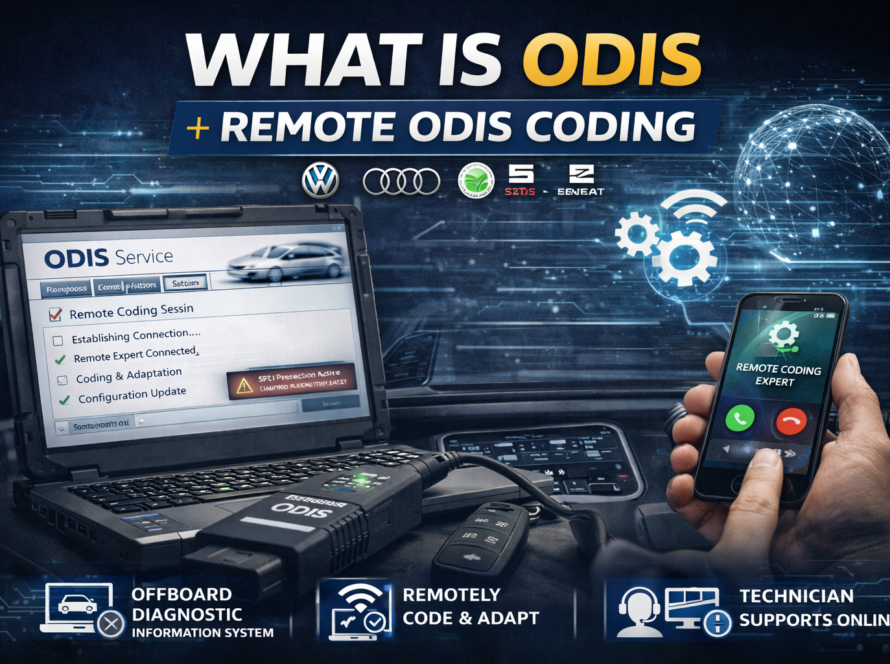
One of the most frustrating and frequently misunderstood issues encountered in Volkswagen Group vehicle workshops is the complete loss of audio output following the installation of a replacement infotainment unit. The system powers on, the screen displays correctly, menus are responsive — yet no sound comes from any speaker in the vehicle.
This scenario is increasingly common as more technicians and vehicle owners attempt to install used or salvage-yard infotainment units as a cost-effective alternative to purchasing new components. Understanding why this happens, what triggers the silence, and how to properly restore audio functionality is essential knowledge for any technician working with modern VAG vehicles.
Why Does the Infotainment System Lose Sound After Installation?
The root cause of audio loss in most post-installation cases is component protection — Volkswagen Group’s built-in security mechanism that ties electronic modules to a specific vehicle. When a used infotainment unit is installed in a different vehicle from the one it was originally paired with, the vehicle’s security system detects the mismatch between the module’s stored identity and the vehicle configuration registered in Volkswagen’s backend servers.
In response to this detected mismatch, the system activates component protection restrictions, which progressively limit the functionality of the unauthorized module. Audio output is among the most commonly restricted features in this state. This is not an accidental side effect — it is a deliberate security response designed to discourage the reuse of stolen or improperly sourced components.
The infotainment unit itself may appear to function perfectly in all other respects. Navigation may load, Bluetooth may pair, and the interface may respond normally to inputs — but the amplifier output remains completely silent because the system is withholding authorization for that specific function.
Understanding Component Protection in Infotainment Systems
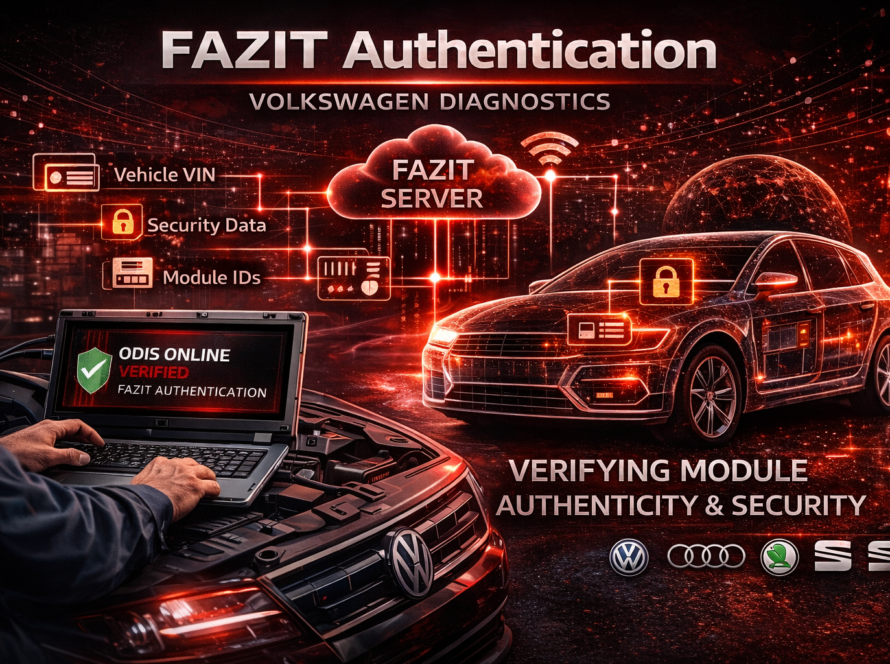
Component protection in VAG infotainment systems operates at a deeper level than simple software locks. Each infotainment unit contains a unique module identifier that is registered in Volkswagen’s central FAZIT database alongside the VIN of the vehicle it was originally installed in.
When the newly installed unit powers up in a different vehicle, the gateway module reads the infotainment unit’s identifier and compares it against the vehicle’s registered configuration. The mismatch is immediately detected and communicated to relevant systems, triggering the protection response.
This process happens automatically and silently. There may be no obvious warning message stating “component protection active” — the vehicle simply behaves as if the audio system has developed a fault, leaving technicians and owners to diagnose what appears to be a hardware problem when the actual cause is a security restriction.
Other Possible Causes of No Sound After Infotainment Installation
While component protection is the most common cause, it is not the only possibility. A thorough diagnostic approach should also consider:
Incorrect Amplifier Configuration
Many VAG vehicles use an external amplifier (such as a Dynaudio or Harman Kardon unit) that must be compatible with and correctly recognized by the infotainment head unit. If the replacement unit was sourced from a vehicle with a different audio system specification, the coding may not correctly address the amplifier, resulting in no output.
Speaker System Coding Mismatch
The infotainment unit must be coded to match the vehicle’s specific speaker configuration and audio system variant. An incorrectly coded unit may attempt to output audio through channels or at signal levels that are incompatible with the installed hardware.
Wiring and Connector Issues
Physical installation errors — including incorrectly connected harnesses, damaged connectors, or missing adapter cables — can interrupt the audio signal path between the head unit and the amplifier or speakers.
Software Version Incompatibility
A replacement unit running a significantly different firmware version from what the vehicle expects may experience compatibility issues that affect audio output, particularly if the software predates certain audio routing changes.
How to Diagnose the Issue
Perform a Full ODIS System Scan
Connect ODIS to the vehicle and run a complete scan of all control units. Pay particular attention to fault codes stored in the infotainment module, the sound system amplifier (if applicable), and the gateway. Look specifically for fault codes referencing component protection, authorization failure, or communication errors between the head unit and audio components.
Check Component Protection Status
Within ODIS, navigate to the infotainment module and review its component protection status. If the module is shown as protected or unauthorized, this confirms that component protection is the cause of the audio restriction.
Verify Module Coding
Compare the current coding of the installed infotainment unit against the expected coding for the vehicle’s audio system specification. Incorrect coding for the speaker system, amplifier type, or audio variant should be corrected before or alongside the authentication procedure.
Inspect Physical Installation
Confirm that all wiring harnesses are correctly connected, that no adapter cables are missing, and that the unit is fully seated in its housing without any pinched or damaged cables.
Restoring Audio – The ODIS Online Authentication Procedure
The primary solution for audio loss caused by component protection is to perform the online authentication procedure using ODIS Online. This process re-pairs the infotainment unit with the new vehicle, releasing the component protection restrictions and restoring full functionality.
Prerequisites
Before beginning the authentication procedure, ensure the following conditions are met:
- A stable, reliable internet connection is available for the diagnostic computer
- The diagnostic computer is running an up-to-date version of ODIS Service
- A valid authorized technician account is logged into ODIS
- An approved VAS diagnostic interface is connected to the vehicle
- The vehicle has a sufficient battery charge — use a battery support unit to maintain stable voltage throughout the procedure
The Authentication Process
- Connect ODIS to the vehicle and navigate to the infotainment control unit
- Initiate the component protection removal procedure through the guided function in ODIS
- ODIS establishes a connection to Volkswagen’s backend servers and transmits the module identifier and vehicle VIN
- The server verifies the authorization request and, if approved, issues a release command
- ODIS writes the authorization data to the infotainment module, removing the component protection restriction
- The procedure completes and the module is now synchronized with the vehicle configuration
After Authentication
Once the procedure is successfully completed, perform the following steps:
- Clear all stored fault codes from the infotainment unit and related systems
- Restart the infotainment system and verify that audio output is restored
- Test all audio sources — radio, media playback, navigation announcements, and telephone audio
- Perform a final ODIS full system scan to confirm no new faults have appeared
Situations Where Authentication May Not Be Sufficient
In some cases, successful authentication alone may not fully restore audio functionality:
- If the infotainment unit’s software is severely corrupted or incompatible, a firmware update or software reinstallation may be required after authentication
- If the unit was originally from a vehicle with a fundamentally different audio system (e.g., a base system versus a premium sound system), recoding the unit to match the current vehicle’s audio specification may be necessary
- If there is an underlying hardware fault in the infotainment unit itself — unrelated to component protection — authentication will not resolve it
A structured diagnostic process that confirms component protection as the sole cause before initiating authentication is therefore always the recommended approach.
Prevention and Best Practices
For workshops regularly handling used infotainment installations, the following practices minimize the risk of audio loss and related complications:
- Verify the source vehicle specification of any used infotainment unit before installation, ensuring it matches the target vehicle’s audio system configuration
- Always plan for the authentication procedure as a mandatory step in any used infotainment installation — never assume it will not be required
- Maintain current ODIS credentials and software so that online authentication can be performed without delay
- Inform customers in advance that authentication is a required step and may incur additional time and cost
Summary
Loss of audio output after installing a used infotainment system in a Volkswagen Group vehicle is most commonly caused by component protection — the security system that restricts module functionality when a mismatch is detected between the installed unit and the vehicle’s registered configuration. Restoring sound requires performing an online authentication procedure through ODIS, which re-pairs the infotainment unit with the vehicle and removes the protection restrictions. A thorough diagnostic approach should also rule out coding mismatches, wiring issues, and software incompatibilities to ensure complete and lastin
Need help? We are here for you. whatsapp: +420773585568 mail: info@odisonline.eu
ODISONLINE.EU