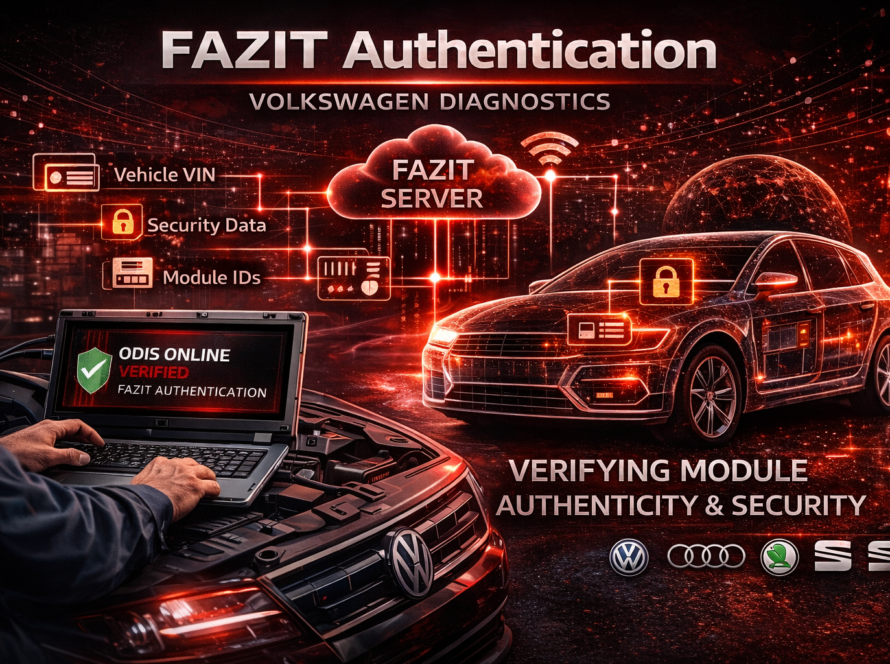
ODIS login errors are a common issue faced by technicians when attempting to connect diagnostic software to Volkswagen Group servers.
Because many modern diagnostic procedures rely on online authentication, a successful login is required before any advanced operations can be performed. When the login process fails, it can prevent access to essential functions such as component protection removal, module adaptation or software updates.
Understanding the causes of ODIS login errors is key to resolving them quickly.
Why ODIS Login Is Important
When using ODIS Online, login credentials are required to:
- access manufacturer servers
- perform secure diagnostic procedures
- authenticate control units
- retrieve vehicle configuration data
Without a successful login, these operations cannot be completed.
Common Causes of ODIS Login Errors
There are several reasons why login errors may occur.
Incorrect Login Credentials
One of the most common issues is entering the wrong username or password.
Technicians should always:
- double-check credentials
- ensure correct keyboard layout
- verify that no extra spaces are entered
Expired or Inactive Account
If the ODIS account is no longer active:
- login will fail
- access to services will be denied
This can happen if:
- the subscription has expired
- the account has been disabled
- permissions have changed
Internet Connectivity Issues
ODIS requires a stable internet connection to communicate with Volkswagen servers.
If the connection is unstable:
- login may fail
- server response may be interrupted
A wired connection is recommended for best reliability.
Firewall or Network Restrictions
Network settings can block communication with ODIS servers.
Possible issues include:
- firewall blocking connections
- restricted ports
- corporate network limitations
In such cases, network configuration must be adjusted.
Server Availability Problems
Sometimes the issue is not on the user side.
Volkswagen servers may be:
- temporarily unavailable
- undergoing maintenance
- experiencing high load
In these cases, the issue usually resolves itself.
Troubleshooting Steps
When facing an ODIS login error, technicians should follow a structured approach:
- Verify username and password
- Check internet connection stability
- Restart ODIS software
- Test connection on a different network
- Review firewall and security settings
- Confirm account validity
These steps solve most login-related problems.
Real-World Example
A technician attempts to log into ODIS Online.
- login fails repeatedly
- error message appears
After checking the system:
- the issue is traced to a blocked firewall port
Once the network settings are corrected, login works normally.
Conclusion
ODIS login errors are usually caused by simple issues such as incorrect credentials, network problems or account limitations.
By following proper troubleshooting steps, most problems can be resolved quickly.
Reliable login access is essential for performing advanced diagnostic procedures in modern Volkswagen Group vehicles.
Need help? We are here for you. whatsapp: +420773585568 mail: info@odisonline.eu
ODISONLINE.EU