QComponent Protection is a standard security feature used in modern Volkswagen Group vehicles, including Volkswagen, Audi, Škoda and SEAT. As vehicle electronics become more advanced and interconnected, more control units are protected by this system.
Many technicians and car owners encounter component protection when installing used modules, performing retrofits, or replacing damaged electronic parts. However, one of the most common questions is:
👉 Which modules are actually affected by component protection?
In this guide, we will explain the most commonly affected modules, how the system behaves, and what is required to properly adapt these components using ODIS Online.
What Is Component Protection in Practice
Component Protection is not limited to one specific control unit. Instead, it is applied to a wide range of electronic modules that are considered critical for vehicle functionality, security, or value.
Each protected module contains internal identification data that is linked to the vehicle VIN and stored in manufacturer databases.
When a module is installed in another vehicle without proper authorization, the system detects a mismatch and activates protection mode.
Most Common Modules Affected by Component Protection
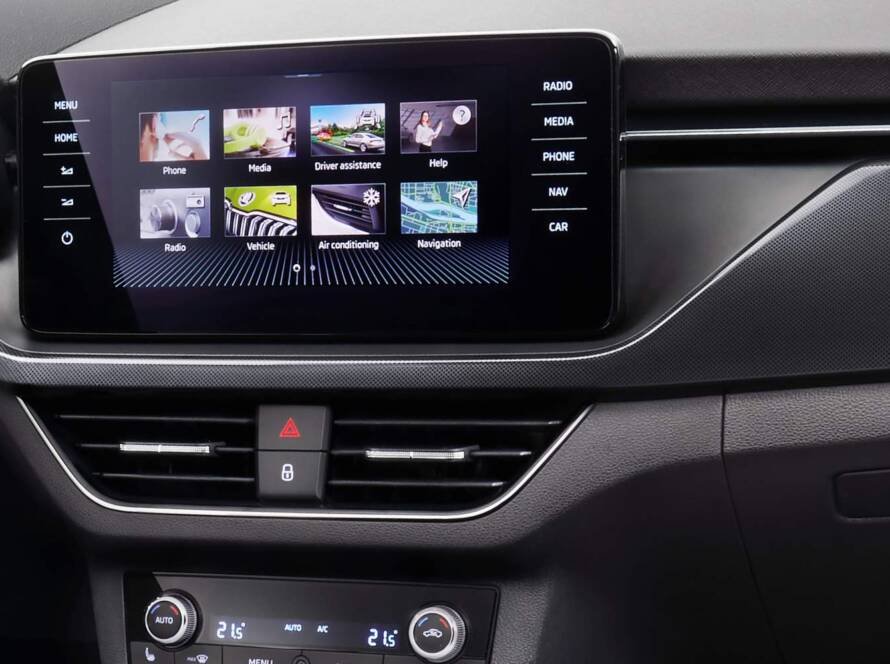
1. Infotainment Systems (MIB / Audi MMI)
Infotainment systems are among the most frequently affected modules.
Examples include:
- Volkswagen MIB units
- Audi MMI systems
- navigation and multimedia head units
When component protection is active:
- audio output may be disabled
- navigation may stop working
- Bluetooth or media functions may be limited
➡️ This is one of the most common scenarios when installing used infotainment units.
2. Digital Instrument Clusters (Virtual Cockpit)
Modern digital dashboards, including Audi Virtual Cockpit and similar systems in VW and Škoda, are also protected.
When installed in another vehicle:
- warning messages may appear
- display functions may be limited
- certain vehicle data may not be shown
These modules store important vehicle-specific data, which is why they require authentication.
3. Gateway Modules
Gateway modules are central communication units in the vehicle.
They:
- connect CAN, LIN and other networks
- manage communication between control units
- store configuration data
If a used gateway is installed:
- communication errors may occur
- modules may not respond correctly
- coding and adaptation may fail
➡️ Gateway replacement almost always requires proper coding and often component protection removal.
4. Body Control Modules (BCM)
Body control modules manage many essential vehicle functions:
- lighting systems
- central locking
- comfort features
- interior electronics
When affected by component protection:
- certain comfort functions may stop working
- lighting behavior may be incorrect
- system errors may appear
5. Steering Column Electronics
This module controls:
- steering wheel buttons
- ignition switch systems
- driver input controls
If component protection is active:
- steering wheel controls may not function
- communication with other systems may be limited
6. Driver Assistance Systems
Advanced driver assistance modules (ADAS) are increasingly protected.
Examples include:
- lane assist
- adaptive cruise control
- parking assist
Because these systems are safety-critical, they require strict authentication.
7. Navigation and Multimedia Modules
Separate navigation units and multimedia interfaces may also be protected.
Typical issues include:
- navigation unavailable
- map data not accessible
- system locked to previous vehicle
Why These Modules Are Protected
Volkswagen Group protects these modules for several reasons:
🔒 Anti-theft protection
High-value modules like infotainment systems and digital clusters are common theft targets.
🔄 Prevent unauthorized reuse
Without protection, used modules could be freely swapped between vehicles.
🧠 Maintain system integrity
Modern vehicles rely on complex communication between modules — incorrect pairing could cause errors or safety risks.
What Happens When These Modules Are Not Adapted
If component protection is not removed:
- modules operate in restricted mode
- functions are limited or disabled
- error messages remain active
- vehicle systems may not communicate correctly
➡️ Even if the hardware is fully functional, the system will block full operation.
How to Properly Adapt Protected Modules
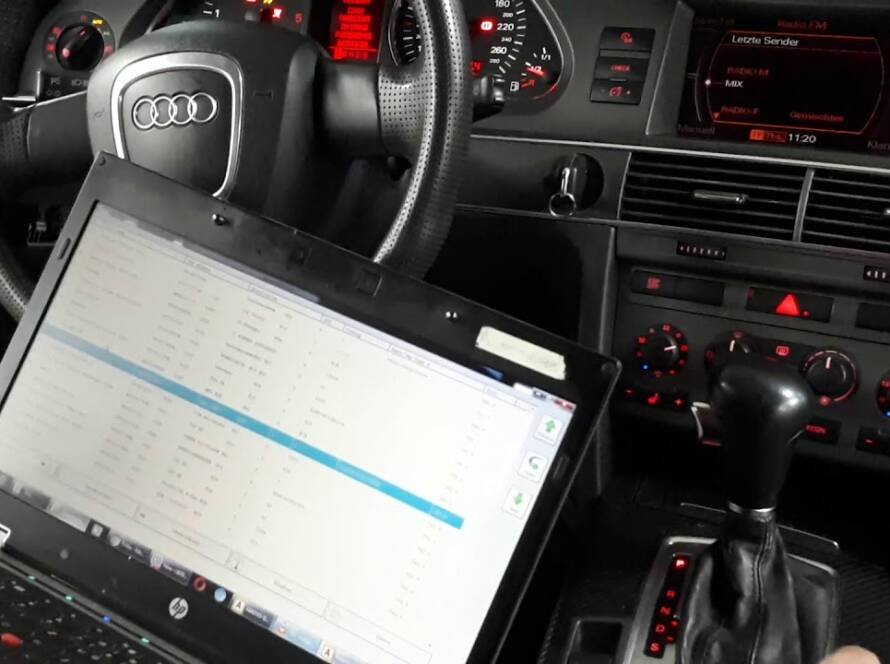
To fully activate a used or replacement module, you must use ODIS Online.
The process includes:
- Connecting the vehicle to ODIS Service
- Logging in with GEKO authorization
- Connecting to Volkswagen/Audi servers (FAZIT system)
- Verifying module identity
- Matching module to vehicle VIN
- Removing component protection
Important: Not All Modules Require the Same Process
Some modules require:
- coding only
- adaptation
- parameterization
- or full component protection removal
👉 Correct diagnosis is essential before starting the process.
Professional Solution
If you are working with used modules and encounter component protection, we can help.
👉 We offer:
- Remote Component Protection Removal
- ODIS Online access
- Coding, adaptation and module configuration
Conclusion
Component Protection affects a wide range of electronic modules in modern Volkswagen Group vehicles.
From infotainment systems and digital dashboards to gateway and control modules, this system ensures that electronic components can only be used in authorized vehicles.
Understanding which modules are affected is essential when performing repairs, retrofits or replacements.
With proper ODIS Online access, these modules can be safely adapted and restored to full functionality.te molestie.
Need help? We are here for you. whatsapp: +420773585568 mail: info@odisonline.eu
ODISONLINE.EU