The Audi MMI (Multi Media Interface) system is the central hub for infotainment, navigation, vehicle settings, and driver information in Audi vehicles. When this system enters a persistent restart loop — turning on, attempting to boot, and then restarting before completing initialization — the impact on the driving experience is significant. Navigation becomes unavailable, media playback stops, and access to vehicle configuration settings is lost.
This issue, commonly referred to as the MMI restart loop, is encountered across multiple Audi model generations and MMI system variants. Understanding its causes and the correct approach to resolving it is essential for any technician working with Audi vehicles.
What Does an MMI Restart Loop Look Like?
The MMI restart loop presents differently depending on the specific Audi model and MMI system generation involved, but common manifestations include:
- The MMI screen illuminates briefly, displays the Audi or MMI logo, then goes blank and repeats
- The system partially boots — showing the startup screen or initial menus — before suddenly restarting
- The restart cycle occurs every few minutes in an endless loop without ever reaching stable operation
- The system becomes completely unresponsive to user inputs, as every interaction attempt is interrupted by another restart
- Associated warning messages appear on the instrument cluster or Virtual Cockpit related to infotainment or communication faults
The loop may begin immediately after vehicle startup or may take several minutes to develop after an initially normal-appearing boot sequence.
Common Causes of the Audi MMI Restart Loop
1. Software Corruption
Software corruption within the MMI control unit is the single most common cause of persistent restart loops. This can occur as a result of:
- An interrupted software update — if power was lost or the update process was terminated before completion, the system may be left with partially written firmware that cannot execute correctly
- File system errors on the internal storage of the MMI unit
- Memory corruption caused by voltage irregularities during operation
- Installation of incompatible software versions that conflict with the hardware revision of the specific MMI unit
A corrupted software state often causes the system to repeatedly reach the same initialization failure point, triggering the automatic restart mechanism in a continuous cycle.
2. Component Protection Activation
When a used MMI unit is installed from another Audi vehicle without proper adaptation and authentication, the component protection system detects the module mismatch and activates security restrictions. In some cases, rather than simply limiting specific functions, the component protection state can cause system instability that manifests as a restart loop.
The module may attempt to authenticate itself repeatedly, fail each time due to the mismatch, and restart as part of its error recovery routine — creating the loop behavior. This is an increasingly common scenario as the cost of new MMI units drives more technicians and owners toward used replacements.
3. Incompatible Firmware on a Replacement Unit
A replacement MMI unit installed from a vehicle of a different model year or specification may carry a firmware version that is incompatible with the target vehicle’s hardware or software environment. Incompatibilities between the MMI firmware and the versions running on other connected modules — such as the gateway, instrument cluster, or ADAS controllers — can cause initialization failures that trigger restart loops.
4. Power Supply Instability
The MMI system is sensitive to voltage fluctuations and power supply irregularities. A weak battery, a failing alternator, or excessive voltage drop during startup can cause the MMI unit to reset unexpectedly during its boot sequence. If the power supply issue is persistent, the result is a continuous restart loop that may appear to be a software fault but is actually rooted in the vehicle’s electrical system.
5. Communication Bus Errors
The MMI unit communicates with numerous other control units over the vehicle’s data bus networks. If a critical communication partner becomes unavailable — due to a bus fault, a failed module, or a wiring issue — the MMI system may enter a restart loop as it repeatedly attempts to establish required communication and fails.
6. Hardware Failure Within the MMI Unit
In less common cases, a hardware fault within the MMI unit itself — such as a failed storage module, a damaged processor board, or a faulty power regulation circuit — can cause the system to be unable to complete its boot sequence, resulting in a persistent restart loop that cannot be resolved through software means alone.
Diagnostic Approach
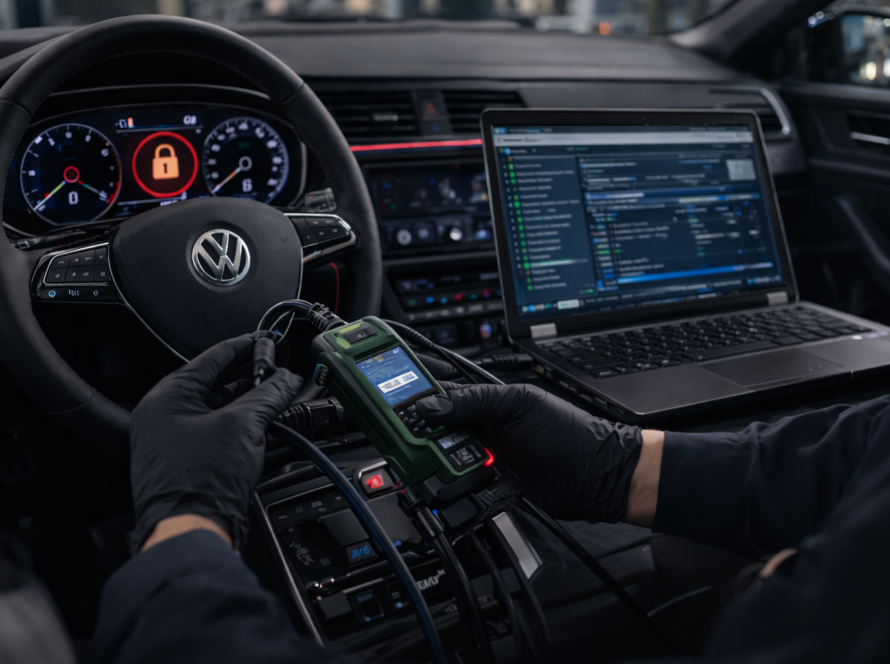
Step 1 – Perform a Full ODIS System Scan
Connect ODIS to the vehicle while the MMI system is in its restart loop state. Perform a complete scan of all available control units. The MMI unit may appear intermittently in the scan depending on the timing of its restart cycle — attempt to capture fault codes during one of its brief active periods. Note all stored fault codes, paying particular attention to codes referencing:
- Component protection or authorization failures
- Software or programming errors
- Communication timeouts with other modules
- Power supply faults
Step 2 – Check Vehicle Battery and Power Supply
Before attributing the restart loop to software causes, verify the vehicle’s battery condition and charging system. Use a battery tester to confirm that the battery is within specification and holds charge adequately. Check the voltage at the MMI unit’s power supply pins during startup to identify any drops that could trigger resets.
Step 3 – Evaluate Component Protection Status
If the MMI unit has been recently replaced with a used unit, confirm whether component protection is active. This information is accessible within ODIS when a stable connection to the MMI module can be established. Active component protection on a replacement unit should be treated as the primary suspect in post-installation restart loop cases.
Step 4 – Assess Software Version and Compatibility
Retrieve the software and hardware version information from the MMI unit and compare it against the expected versions for the target vehicle. Significant version mismatches indicate that a software update or reinstallation may be required.
Step 5 – Check for Communication Faults on the Bus
Review the fault codes from the gateway and other communication-intensive modules for evidence of bus communication errors or missing module reports. Identify whether any required communication partners of the MMI system are offline or generating faults.
Resolving the MMI Restart Loop
Solution 1 – Online Authentication for Component Protection
If component protection is confirmed as the cause, perform the online authentication procedure through ODIS Online. This re-pairs the MMI unit with the target vehicle, releases the component protection restriction, and should stabilize the system. A stable internet connection and valid ODIS account are required. In some cases, the restart loop may need to be temporarily interrupted by keeping the diagnostic session active while the authentication procedure is executed.
Solution 2 – Software Update or Reinstallation
If software corruption is identified as the cause, a fresh software installation to the MMI unit is required. This procedure involves flashing the correct software version to the unit using ODIS, effectively replacing the corrupted or incompatible files with a clean installation. The correct software version must match both the hardware revision of the specific MMI unit and the requirements of the target vehicle.
Solution 3 – Address Power Supply Issues
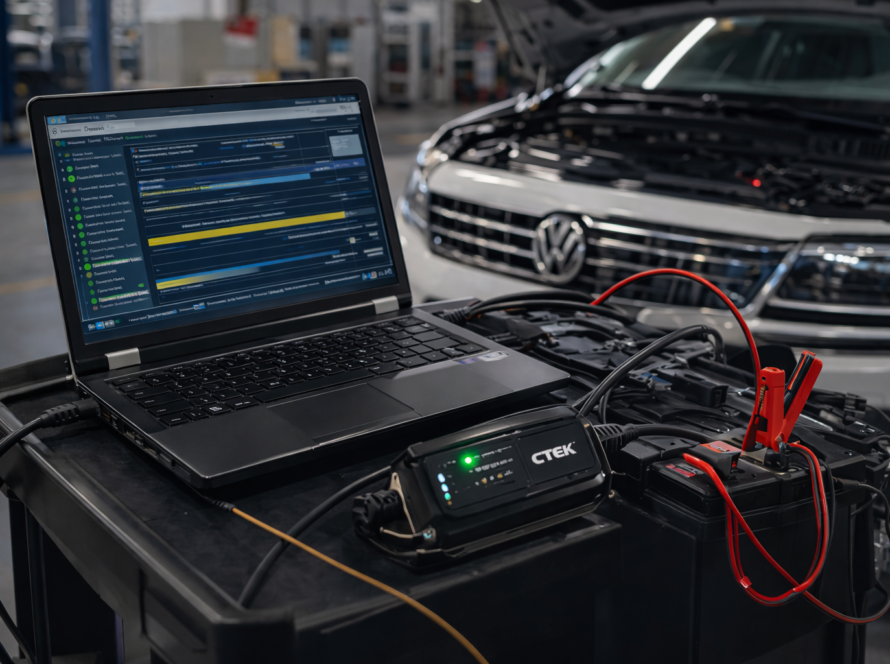
If voltage instability is contributing to the restart loop, resolve the underlying electrical fault first — replace the battery if it fails capacity testing, address any charging system faults, and ensure that the MMI unit’s wiring and connectors are in good condition and providing a stable supply.
Solution 4 – Hardware Replacement
If all software and configuration remedies fail to resolve the restart loop and hardware failure is suspected, the MMI unit itself may need to be replaced with a compatible new or refurbished unit, followed by the appropriate adaptation and authentication procedures.
Prevention
- Always perform online authentication immediately after installing any used MMI unit
- Verify software compatibility before sourcing a replacement unit
- Maintain vehicle battery health — replace aging batteries proactively, particularly in vehicles with high electronic content
- Never interrupt software update procedures — use a battery support unit to ensure stable voltage throughout any MMI programming process
Summary
The Audi MMI restart loop is most commonly caused by software corruption or component protection activation following the installation of a used unit. A structured diagnostic approach using ODIS helps identify the specific cause, with resolution typically involving online authentication, software reinstallation, or power supply correction. Addressing the root cause rather than symptom is key to achieving a lasting repair.
Need help? We are here for you. whatsapp: +420773585568 mail: info@odisonline.eu
ODISONLINE.EU