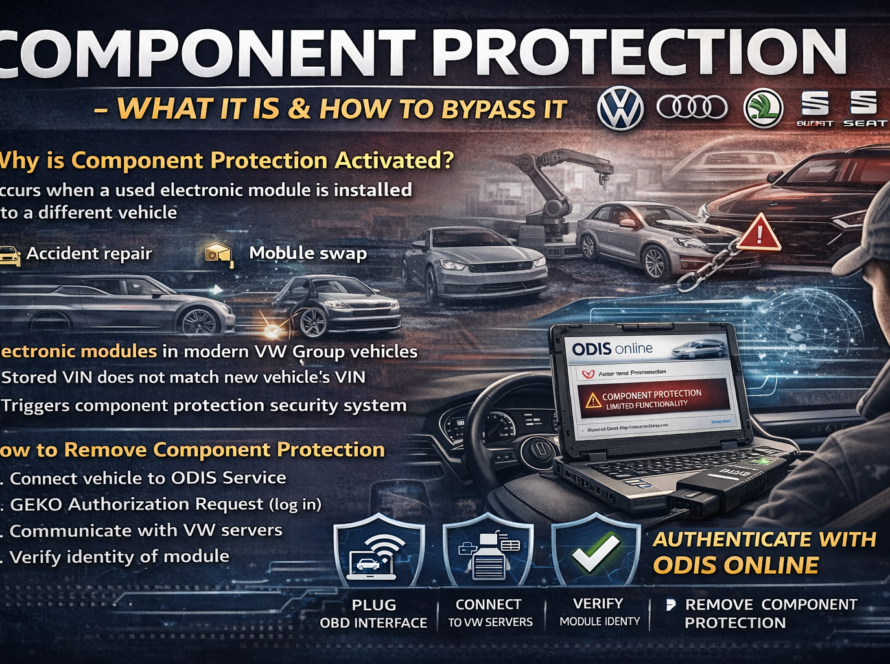
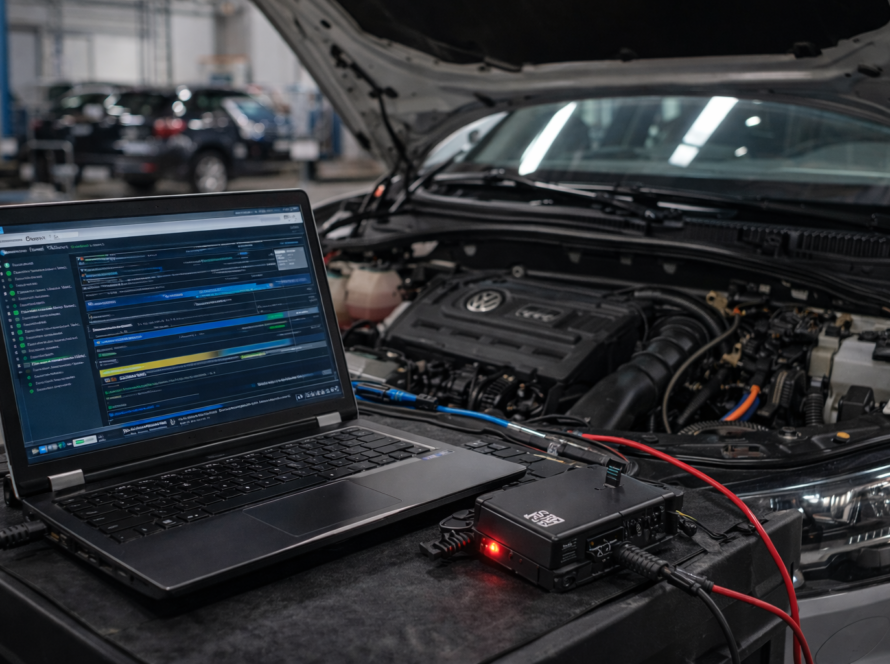
If you installed a used Audi Virtual Cockpit and now see a Component Protection error, you are not alone. This is a very common issue when replacing instrument clusters in modern Audi vehicles.
In this guide, we will explain:
how to remove component protection using ODIS Online
what causes the error
why your Virtual Cockpit is not working properly
What Is Component Protection in Audi?
Component Protection is a security system used in modern Audi vehicles to prevent theft and unauthorized installation of electronic modules.
When a module like the Virtual Cockpit is installed from another vehicle, the system detects a mismatch between the module and the vehicle VIN.
As a result:
- certain functions are disabled
- warnings appear on the display
- the system operates in limited mode
Symptoms of Virtual Cockpit Component Protection Error
If your Virtual Cockpit has component protection active, you may notice:
- “Component Protection Active” message
- missing navigation display
- limited vehicle information
- disabled settings or menus
- warning lights or errors
Why This Happens After Replacement
When you install a used Virtual Cockpit:
- the module is still linked to the original vehicle
- it is not matched to your car’s VIN
- the FAZIT system blocks full functionality
➡️ This is normal behavior, not a fault.
How to Fix Virtual Cockpit Component Protection
To remove component protection, you must perform an online authentication procedure using ODIS.
This process includes:
- Connecting the vehicle to ODIS Service
- Logging into GEKO (manufacturer authorization)
- Connecting to Audi FAZIT servers
- Synchronizing the module with your vehicle VIN
- Removing component protection
⚠️ This cannot be done offline or with standard diagnostic tools.
Do You Need ODIS Online Access?
Yes — component protection removal requires:
- official ODIS software
- GEKO login
- online connection to manufacturer servers
Without this, the module will remain locked.
Professional Solution
If you don’t have access to ODIS Online, we can help.
👉 We provide:
- Remote Component Protection Removal
- ODIS Online access
- Fast activation for Virtual Cockpit and other modules
Conclusion
The Virtual Cockpit Component Protection error is a normal security feature in Audi vehicles after installing a used module.
To restore full functionality, the system must be authenticated online using ODIS and FAZIT.
Once completed, your Virtual Cockpit will work exactly as intended.
Need help? We are here for you. whatsapp: +420773585568 mail: info@odisonline.eu
ODISONLINE.EU