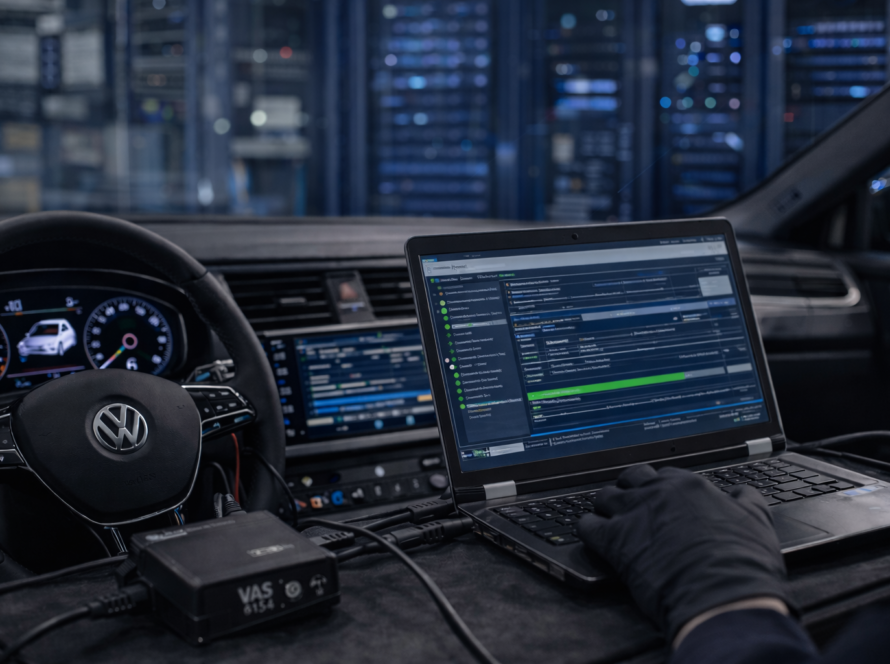
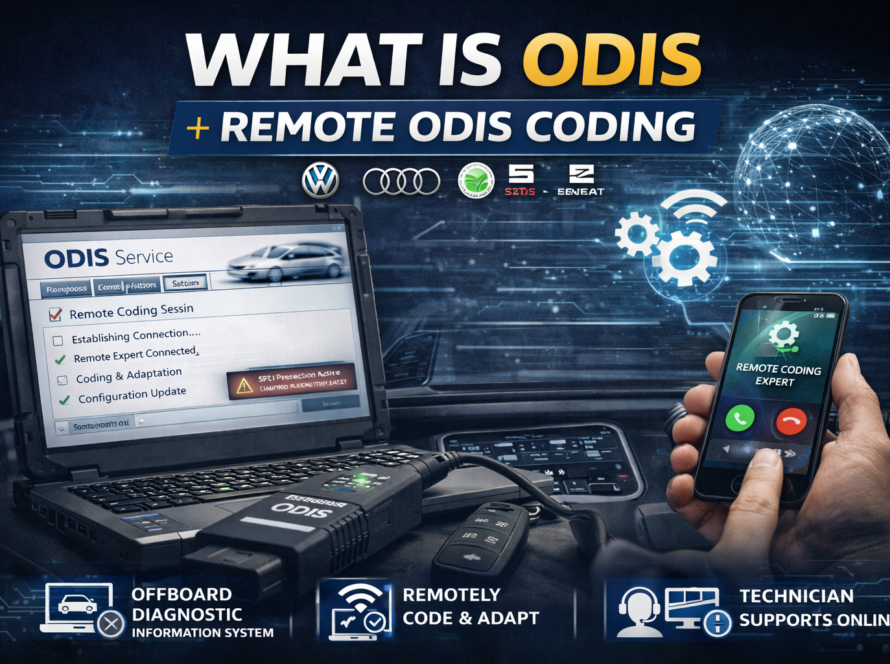
Remote ODIS coding is a powerful way to perform advanced diagnostics and programming without visiting a workshop. However, for the process to work correctly, certain requirements must be met.
Unlike basic diagnostic tools, ODIS Online procedures depend on stable communication between the vehicle, the computer and manufacturer servers. Even a small issue in setup can interrupt the process.
In this guide, we’ll explain what is needed for a successful remote coding session and why proper preparation is so important.
Laptop or Diagnostic Computer
The most important requirement is a laptop capable of running ODIS diagnostic software.
The computer should:
- have a stable operating system
- provide sufficient performance
- support diagnostic interface drivers
- run without interruptions during the session
ODIS is not a lightweight application, so unreliable or slow hardware can cause communication issues.
For best results, a dedicated diagnostic laptop is recommended.
Diagnostic Interface
A compatible diagnostic interface is required to connect the computer to the vehicle.
This device:
- connects to the OBD port
- allows communication with control units
- transfers data between the vehicle and software
Without a proper interface, the system cannot detect modules or perform coding procedures.
Using a reliable interface is critical for stable communication.
Stable Internet Connection
A strong and stable internet connection is essential for remote coding.
This is because:
- the technician connects remotely to your computer
- ODIS may communicate with manufacturer servers
- data is transmitted continuously during the session
If the connection drops:
- the procedure may fail
- coding may be incomplete
- modules may not be configured correctly
For this reason, a wired or high-quality Wi-Fi connection is recommended.
Remote Access Software
To allow the technician to control the computer, remote access software is required.
Commonly used tools include:
- AnyDesk
- TeamViewer
These applications allow:
- full control of the diagnostic software
- real-time interaction
- secure connection between technician and user
Once connected, the technician can perform all necessary operations remotely.
Vehicle Preparation
The vehicle itself must also be properly prepared before starting the session.
Important factors include:
- sufficient battery charge
- ignition in correct position
- properly installed modules
- stable environment (no interruptions)
In some cases, using a battery charger is recommended to prevent voltage drops during coding.
Why Preparation Is Important
Remote coding relies on multiple systems working together:
- vehicle electronics
- diagnostic software
- internet connection
- remote access tools
If any part of this chain fails, the process can be interrupted.
Proper preparation ensures:
- smooth communication
- faster completion
- correct configuration of modules
Real-World Example
A typical issue:
A user starts a remote coding session with unstable internet.
- connection drops during coding
- procedure is interrupted
- module is not fully configured
This can lead to additional troubleshooting.
With proper preparation, the same job would be completed quickly without issues.
Conclusion
Remote ODIS coding is efficient and powerful, but it depends on having the right setup.
A reliable laptop, compatible diagnostic interface, stable internet connection and proper vehicle preparation are all essential.
When these requirements are met, remote coding becomes a fast and safe solution for advanced diagnostics and module configuration.
Need Help with Remote ODIS Coding?
We provide professional remote ODIS coding services for VW, Audi, Škoda and SEAT vehicles.
👉 Full remote setup support
👉 Coding and adaptation
👉 Component protection and diagnostics
Need help? We are here for you. whatsapp: +420773585568 mail: info@odisonline.eu
ODISONLINE.EU